Estimated read time: 2 minutes
I worked on improving the EPUB3 export filter in LibreOffice recently. First, thanks to Nou&Off in cooperation with a customer who made this work possible. Since the previous blog entry there have been a number of improvements around 4 topics.
Improved links

The character properties of link text is now handled correctly, in the above example you can see that the text is red, and this comes from a character style.
Improved table support
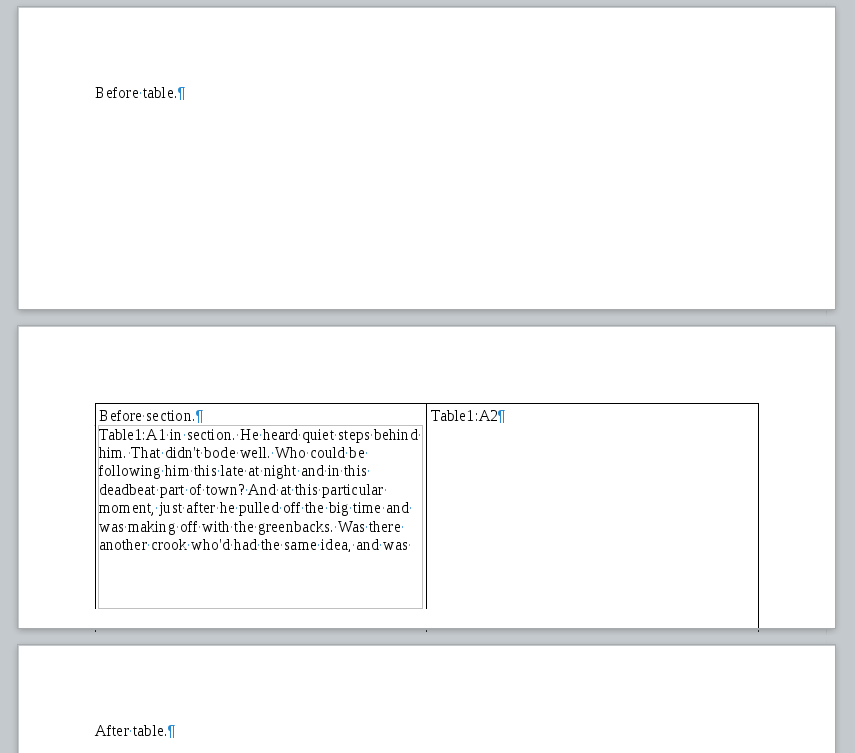
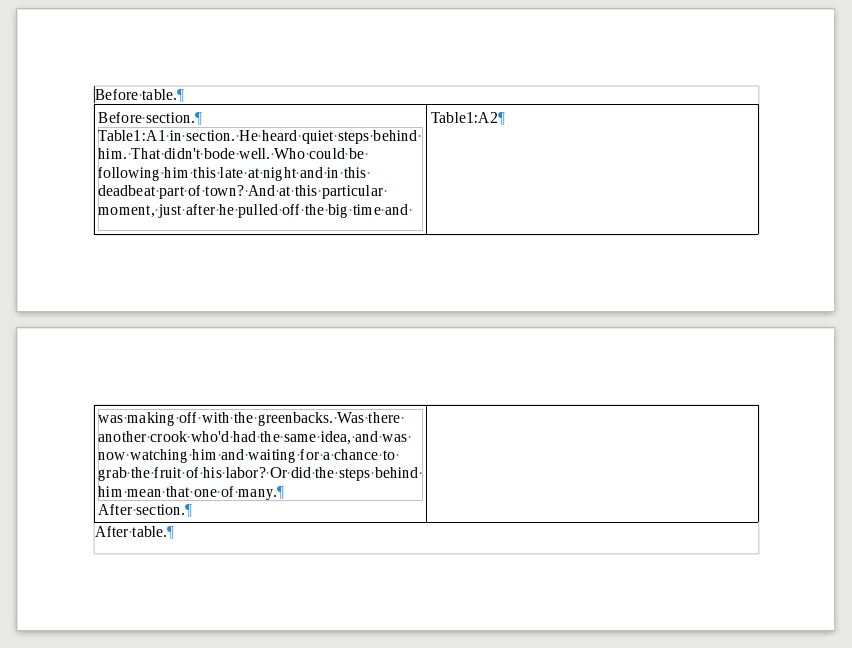
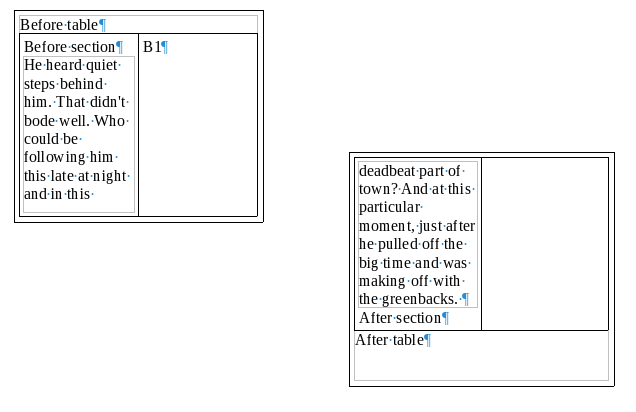
Previously the support for tables was there just to not loose content, now all kinds cell, row and table properties are handled correctly. A few samples
- custom cell width:

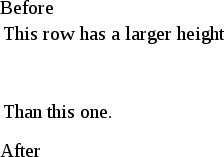
- custom row height:
- row span:

So the table support should be now decent, covering row and column spanning and various cell border properties.
Improved image support
Previously only the simplest as-character anchoring was supported. Now much more cases are handled. Two examples:
- image borders:
- image with a caption:
This includes various wrap types (to the extent HTML5 allows representing ODF wrap types).
Font embedding
If the user chooses to embed fonts (via File -> Properties -> Font -> Embed), then the EPUB export now handles this. Here is a custom font that is typically not available:

(The screenshot is from the Calibre ebook reader.)
All this is available in master (towards LibreOffice 6.1), or you can grab a daily build and try it out right now. :-)