Estimated read time: 2 minutes
Markdown import and export in Collabora Online was an existing filter already, see the post from last year for more details.
This post is meant to show how this is now available on the end-user UI, while previously this was mostly available for batch conversion and SDK clients only.
Motivation
A computer's clipboard can contain data in multiple formats, so it would be logical to read and
write Markdown with the text/markdown MIME type. Unfortunately most applications just read from
the text/plain MIME type when non-formatted text is expected. This means writing the dedicated
markdown slot is not read by anyone and in turn reading from that slot usually returns with no data.
The idea is to make "copy as markdown" an explicit action on the UI: when the user opts in, then we
put markdown to the plain text slot on the clipboard, where other software can read it easily. And
similarly, when you paste special, then you can opt in to interpret the plain text data as markdown.
This means that data like aaa _bbb_ ccc won't be interpreted as markdown by accident, but if you
ask for it, you can get your markdown data into Writer easily.
Results so far
The the issue shows that first the copy as markdown UI was added:

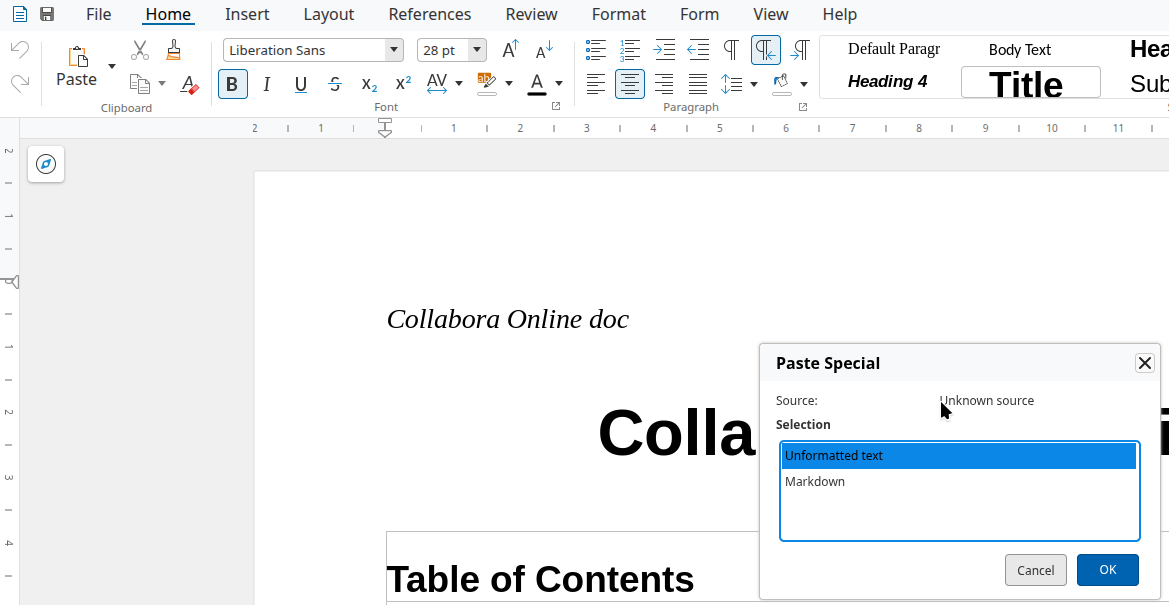
Then the paste spcial dialog needed work in each component. First in Writer:
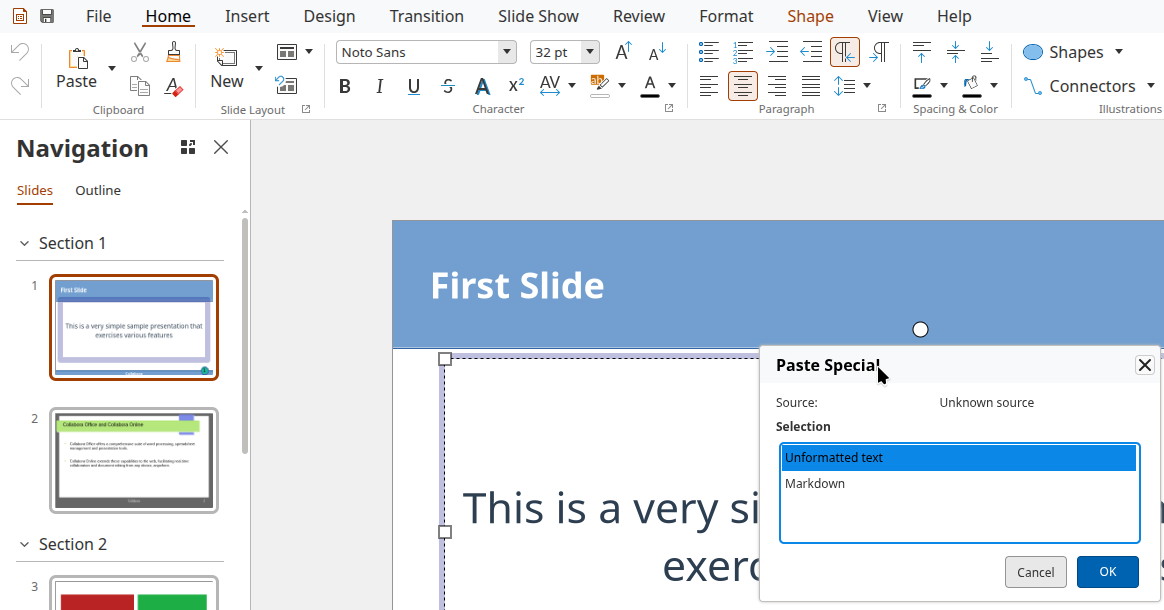
Then the same in Impress, where we need to work with editengine's model, instead of Writer text:
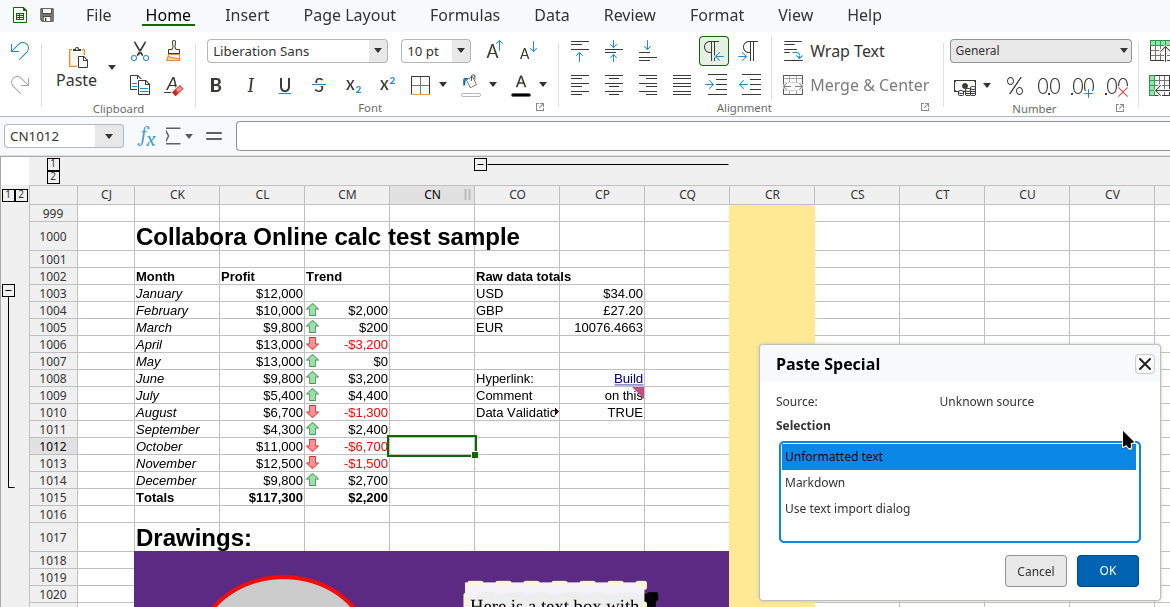
Finally also in Calc, sill working with editengine's model:
How is this implemented?
If you would like to know a bit more about how this works, continue reading... :-)
As usual, the high-level problem was addressed by a series of small changes:
- cool#16060 browser, wsd: add a copy-as-markdown UI to Writer
- cool#16060 engine kit: add a paste-as-markdown UI to Writer
- cool#16060 engine kit: add a paste-as-markdown UI to Impress
- cool#16060 engine kit: add a paste-as-markdown UI to Calc (cell text edit)
- cool#16060 engine sd: keep plain text as default, paste special can opt in for markdown
Want to start using this?
You can get a development edition of Collabora Online 26.04 and try it out yourself right now: try the development edition.