Estimated read time: 3 minutes
The bullet support in Impress got a couple of improvements recently, some of this is PPTX support and others are general UI improvements.
This work is primarily for Collabora Online, but the feature is available in desktop Impress as well.
Motivation
Probably the most simple presentations are just a couple of slides, each slide having a title shape and an outliner shape, containing some bullets, perhaps with some additional images. Images are just bitmaps, so let's focus on outliner shapes and their outliner / bullet styles.
What happens if you save these to PPTX and load it back? Can you toggle between a numbering and a bullet? Can you return to an outliner style after you had direct formatting for your bullet?
Results so far
The first case was about bullet editing of this document:
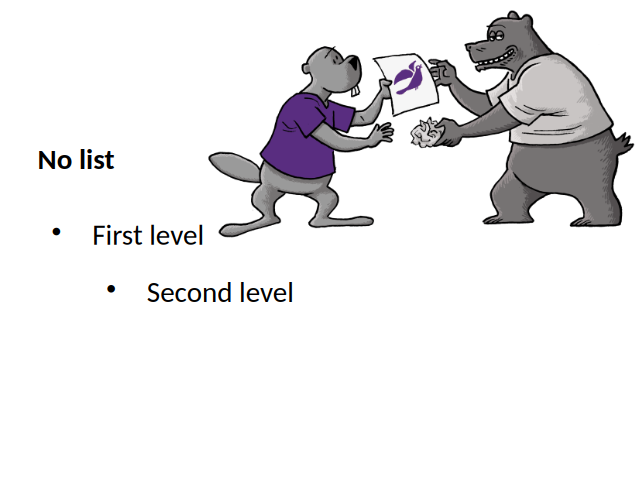
If you pressed enter at the end of 'First level', then pressed <tab> to promote the current
paragraph to the second level, nothing happened. The reason for this was that our PPTX export was
missing the list styles of shapes, except for the very first list style. And the same was missing on
the import side, too. With this, not only the rendering of the bullets are OK, but also adding new
paragraphs and using promoting / demoting to change levels work as expected.
The second case was about this document, where the second level had a numbering, not a bullet:
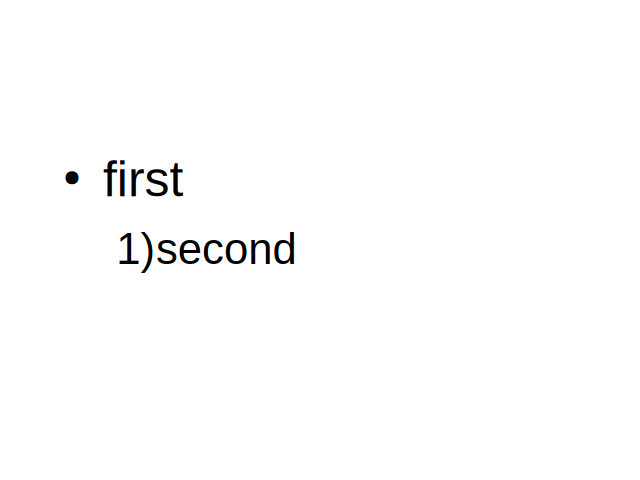
We only had UI to first toggle off a numbering to no numbering, then you could toggle on bullets. Now it's possible to do this change in one step.
The last case was about styles. Imagine that you had a master page with an outline shape and some reasonably looking configuration for the first and second levels as outline styles:

Notice how the last paragraph has a slightly inconsistent formatting, due to direct formatting. Let's fix this.
Go to the end of the last bullet, which is currently not connected to an outline style, toggle bullets off and then toggle it on again. Now we clear direct formatting when we turn off the bullet, so next time you turn bullets on, it'll be again connected to the outline style's bullet configuration and the content will look better.
Note how this even improves consistency: Writer was behaving the same way already, when toggling bullets off and then toggle on again resulted in getting rid of previously applied unwanted direct formatting.
How is this implemented?
If you would like to know a bit more about how this works, continue reading... :-)
As usual, the high-level problem was addressed by a series of small changes. Core side:
- PPTX export: fix missing non-first level list style for outline shapes
- sd doc model dump: allow invoking this from outside sd/ in a debugger
- sd doc model xml dump: show styles
- tdf#168559 PPTX imp: fix missing custom level list style for outline shapes
- tdf#168559 PPTX imp: fix missing list style for outline shapes on master pages
- tdf#89365 sd UI: fix transitioning from a numbered list to a bulleted list
- tdf#169275 sd UI: clear direct format when turning off bullet/num
- sd: extract
FN_TRANSFORM_DOCUMENT_STRUCTUREhandling to a new function - sd, FuBulletAndPosition: avoid magic number for bullet toggle
- Related: tdf#89365 sd UI, from numbering to bullet: fix defaults
Want to start using this?
You can get a development edition of Collabora Online 25.04 and try it out yourself right now: try the development edition. Collabora intends to continue supporting and contributing to LibreOffice, the code is merged so we expect the core of this work will be available in TDF's next release too (26.2).