Estimated read time: 2 minutes
If you have a commented text range, which gets deleted while track changes is on and you later save and load this with Writer's DOCX filter, that works now correctly.
This work is primarily for Collabora Online, but the feature is available in desktop Writer as well.
Motivation
It was already possible to comment on text ranges. Comments were also supported inside deletes when track changes is enabled. These could be already exported to and imported from DOCX in Writer. But you could not combine these.
With the increasing popularity of commenting text ranges (rather than just inserting a comment with an anchor), not being able to combine these was annoying.
Results so far
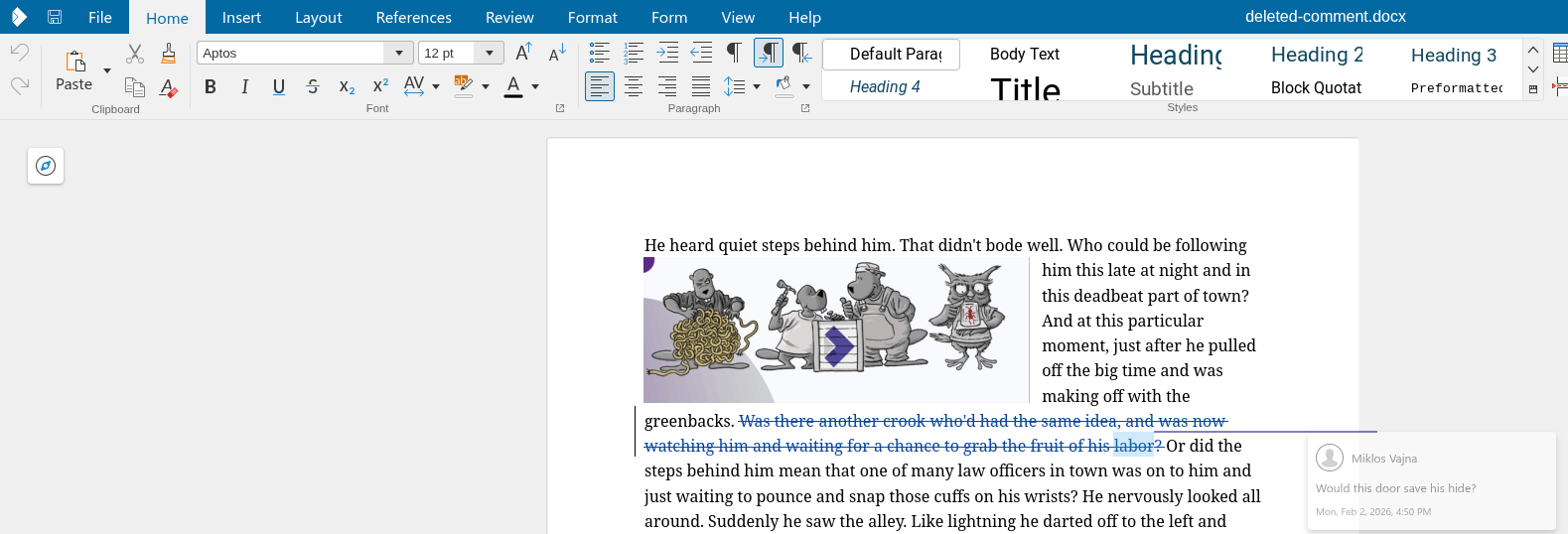
Here is how a commented text range inside a delete from DOCX now looks like, note the semi-transparent comment hinting it's deleted:
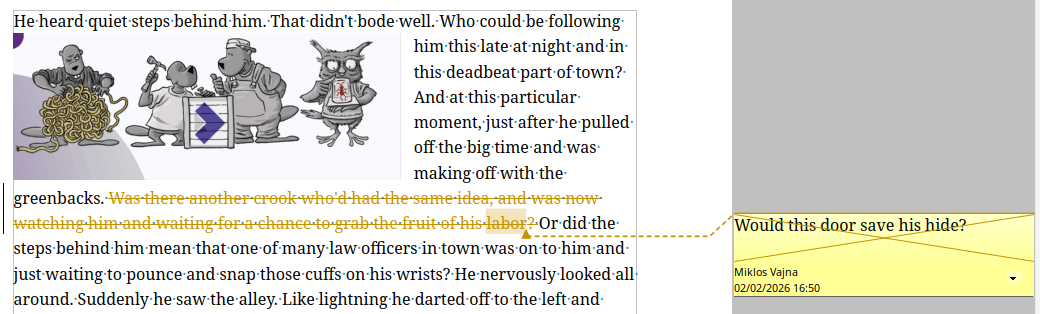
As a side effect, this also fixes the behavior in desktop Writer, which crosses out deleted comments:
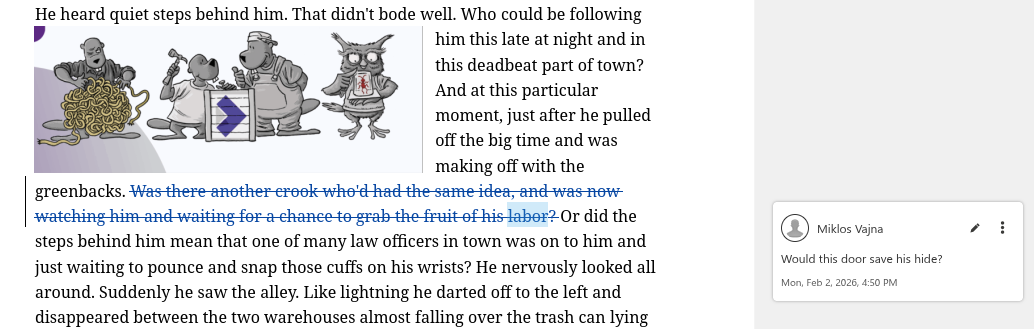
In the past, the "is this deleted" property was not visible in the render result:
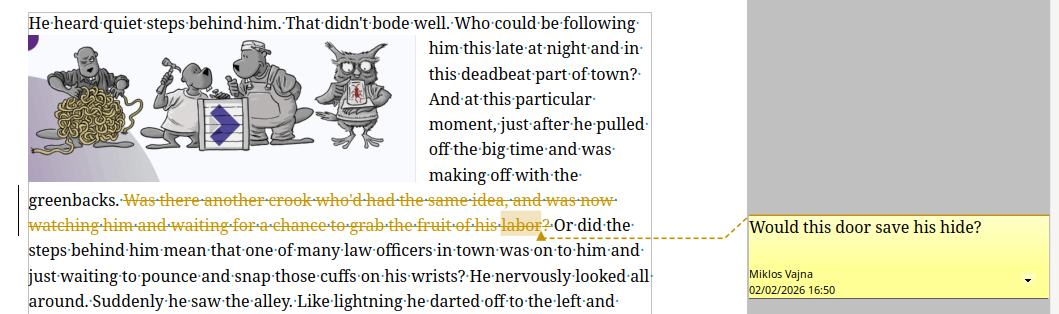
And it was also bad in desktop Writer:
This required changes to both DOCX import and export: a comment could be deleted or could have an anchor which is a text range, but you couldn't have both.
How is this implemented?
If you would like to know a bit more about how this works, continue reading... :-)
As usual, the high-level problem was addressed by a series of small changes. Core side:
- cool#13988 DOCX import: fix missing delete flag on deleted comments with ranges
- cool#13988 DOCX export: fix missing delete flag on deleted comments with ranges
Want to start using this?
You can get a development edition of Collabora Online 25.04 and try it out yourself right now: try the development edition. Collabora intends to continue supporting and contributing to LibreOffice, the code is merged so we expect all of this work will be available in TDF's next release too (26.8).