Estimated read time: 2 minutes
Copying slides between Impress documents in Collabora Online was reasonably fast already, see the previous post for more details.
This post is meant to show how the progress indicator you see while pasting is improved, better showing and hiding when the paste is actually in progress.
Motivation
Impress copies slides using 3 steps. Our testcase was a 85 slides long slidedeck, pasting that to an other presentation took 3 steps: downloading the remote slides data, uploading the slides data to the current document and finally executing the paste UI action, which interprets the ODP slide data. With enough slides, each step took a bit of visible time:
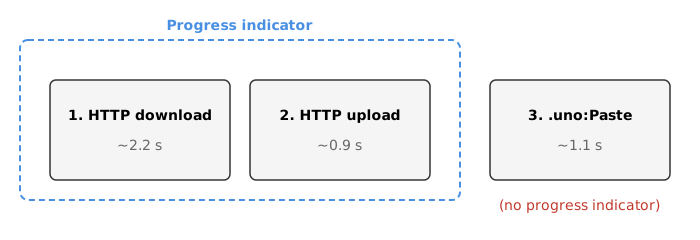
As you can see, the progress indicator stopped after task 2, which was confusing.
Results so far
The the issue shows that the problem was we had no idea when the paste UI command finished its work. This looked like this visually:
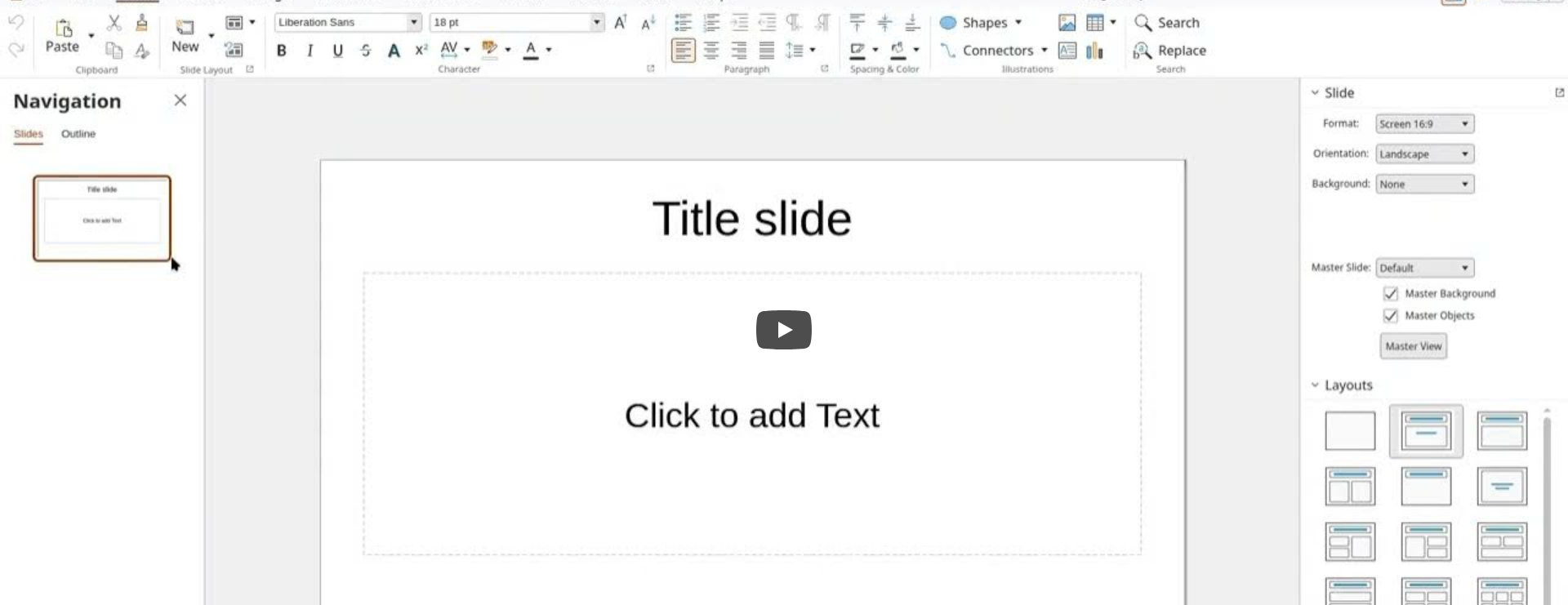
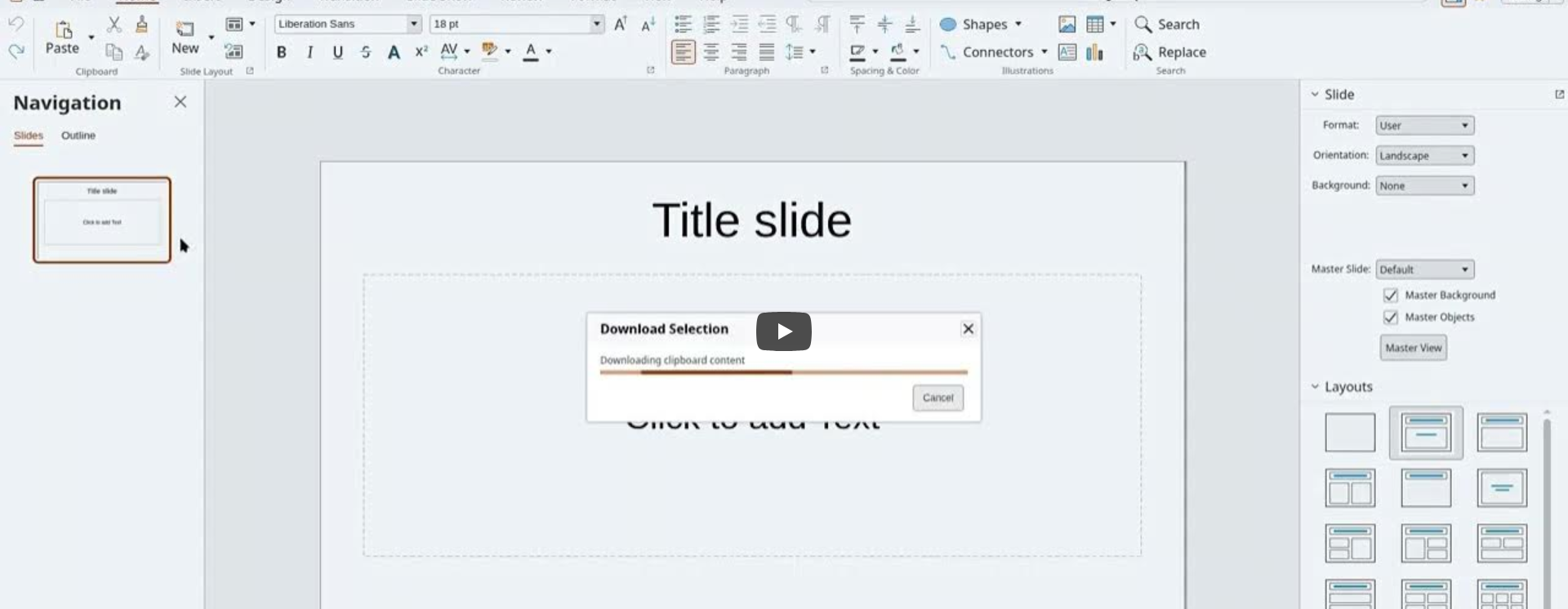
Note how the progress indicator finishes and only a little later the pasted slides show up.
In contrast to that, after the fix, the slides show up as soon as the progress indicator hides:
One more thing
This post is about pasting, but we had the opposite problem around Markdown in Writer: you could paste (using the SDK) into Writer, you could also convert to and from Markdown (again, using the SDK), but you could not actually open Markdown files. This now also works:
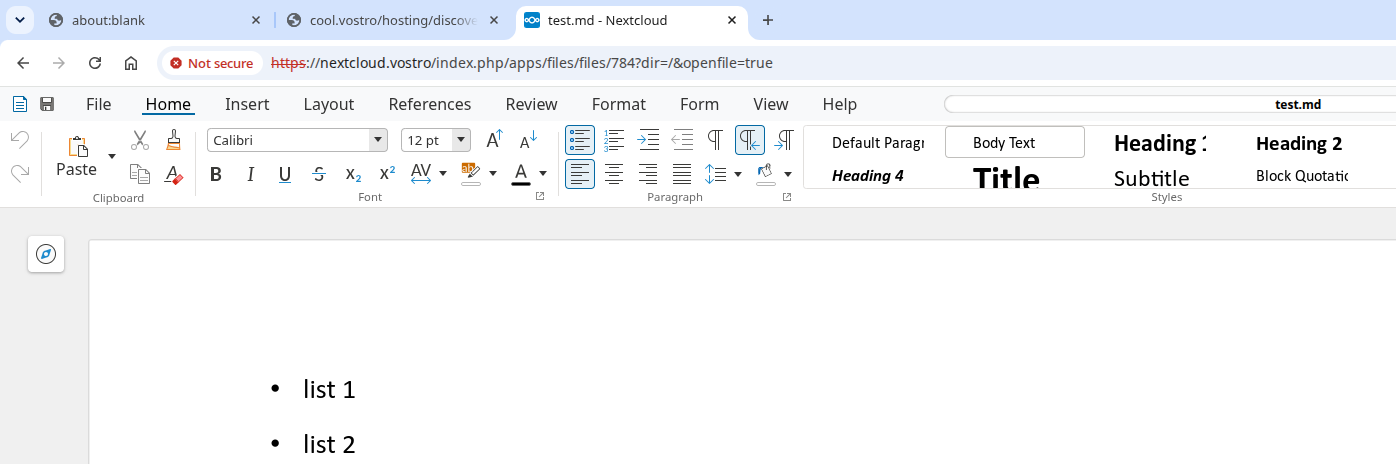
To not break compatibility, a single click in Nextcloud still opens the Markdown file in their JS editor, but similar to PDF files, you can use the "..." menu to access additional actions and there you can now open the file for editing in Collabora Online as well.
How is this implemented?
If you would like to know a bit more about how this works, continue reading... :-)
As usual, the high-level problem was addressed by a series of small changes:
- cool#16013 slide copy: don't terminate paste progress indicator too early
- Related: cool#16013 engine sc: make ScInsertContentsDlg async
- cool#16018 discovery: add entries for markdown
Nextcloud richdocuments commits:
Want to start using this?
You can get a development edition of Collabora Online 26.04 and try it out yourself right now: try the development edition.